Essay Containers & Clusters
Kubernetes Namespace Strategy for Staging and Production
Namespace isolation requires cluster separation for true production safety, not logic alone.
A Kubernetes namespace strategy for staging and production starts with knowing where isolation ends. Namespaces organize workloads and provide places to attach controls, but they do not create a security boundary. The right design combines namespace-scoped permissions, network policies, and resource limits with cluster separation where shared infrastructure would defeat the purpose of the environment.
What Kubernetes namespaces actually isolate — and what they don't
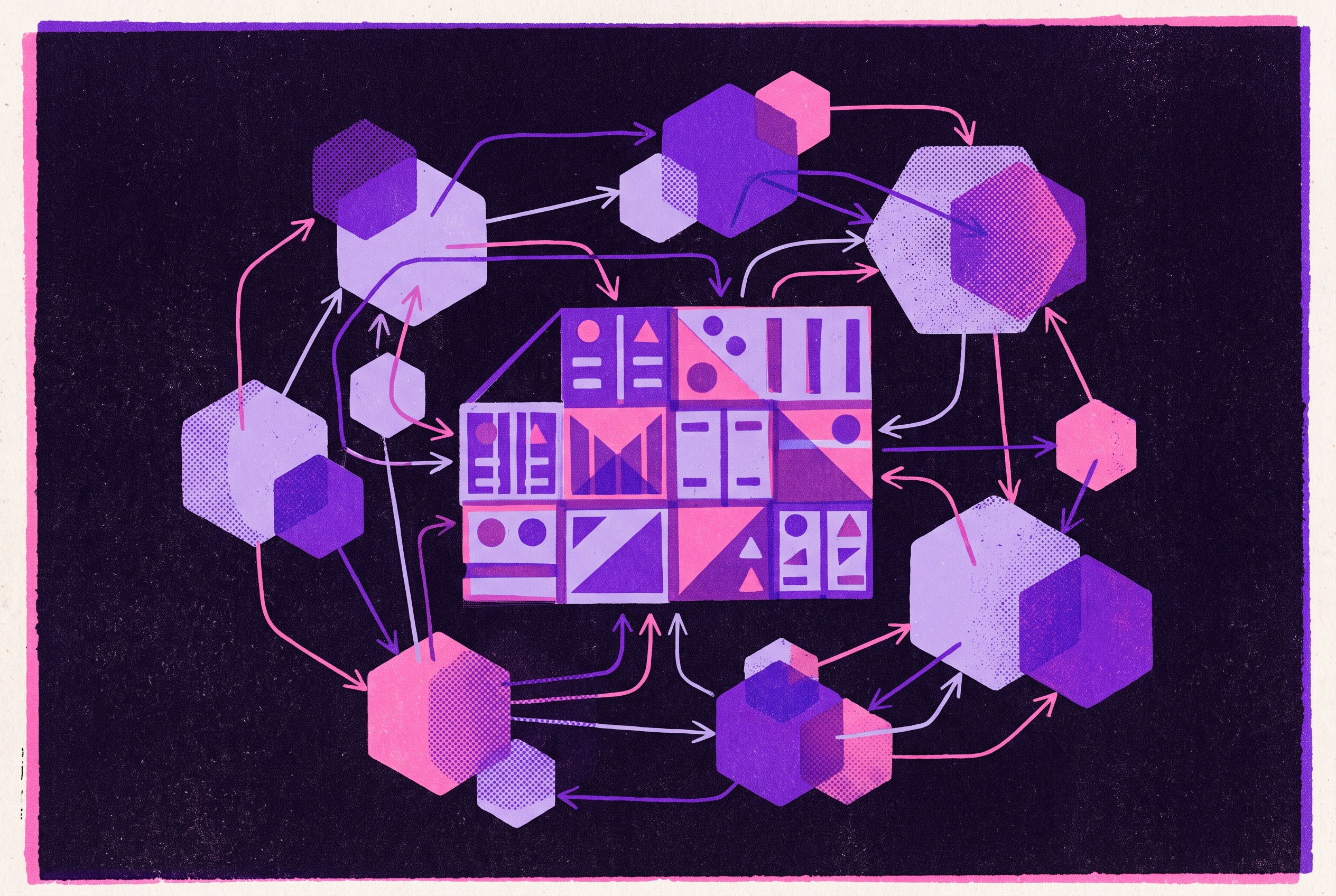
Teams often expect a separate namespace to keep a workload from affecting its neighbors. Kubernetes documentation describes a narrower boundary, which scopes resource names and divides cluster resources through quotas. Namespaces also provide attachment points for RBAC and network policies. Those controls do not appear merely because the namespace exists. Creating a namespace does not by itself isolate network traffic.
All namespaces use the same API server and etcd, while their workloads share the underlying kernel. A noisy or misbehaving workload can therefore affect the cluster through API server load or resource exhaustion. Namespace names must be unique within the cluster and valid DNS labels, with the kube- prefix reserved for system namespaces. Those naming rules keep objects in order but do nothing to keep tenants secure.
How namespace DNS and cluster-scoped resources leak across the logical boundary
Kubernetes creates a Service DNS entry in the form <service-name>.<namespace-name>.svc.cluster.local. A container using only <service-name> resolves the service in its own namespace, which makes environments feel self-contained. The fully qualified name can reach a service in another namespace. Unless NetworkPolicy blocks the traffic, knowing the other service’s address is enough to reach it.
Namespace names can also interfere with external DNS lookups. A namespace named after a public top-level domain creates a collision risk, because lookups without a trailing dot can be redirected to in-cluster services. Kubernetes documentation recommends limiting namespace creation to trusted users and using admission webhooks to block names matching public TLDs.
Cluster-scoped resources expose another limit to namespace separation. Nodes, PersistentVolumes, ClusterRoles, ClusterRoleBindings, and StorageClasses sit outside namespace scope. With sufficient RBAC permissions, workloads can use these resources regardless of their namespace. A namespace layout cannot compensate for permissions that grant access beyond it.
The three namespace organization patterns and which situations each actually fits
These limits mean that namespace patterns change how controls are grouped, without offering different levels of security. Environment-per-namespace puts development, staging, and production in separate namespaces. It keeps environment-level RBAC simple and works well for a single team or a simple application. The tradeoff appears when several teams share an environment. Services with the same name collide, and the shared namespace provides no team-level resource accountability.
Team-per-namespace instead uses names such as team-frontend and team-backend to show which team owns what. Permissions follow the team, which suits moderate-size organizations that value team isolation more than environment separation. However, development and production pods coexist within each namespace. That makes it harder to enforce different policies for each environment. This pattern accepts that constraint in exchange for a straightforward ownership model.
Team-per-environment-per-namespace separates both dimensions through names such as team-a-staging and team-a-production. Each combination gets its own RBAC, quotas, network policies, and Pod Security Standards, as well as a clear unit for cost allocation. This provides the most granular logical separation of the three patterns. It works well for organizations with multiple teams whose production workloads need to be kept safe from other teams’ development work. The price is more namespaces, which makes automated provisioning important before namespace sprawl becomes its own operational problem.
Why staging in a namespace inside the production cluster is the one tradeoff that usually doesn't pay
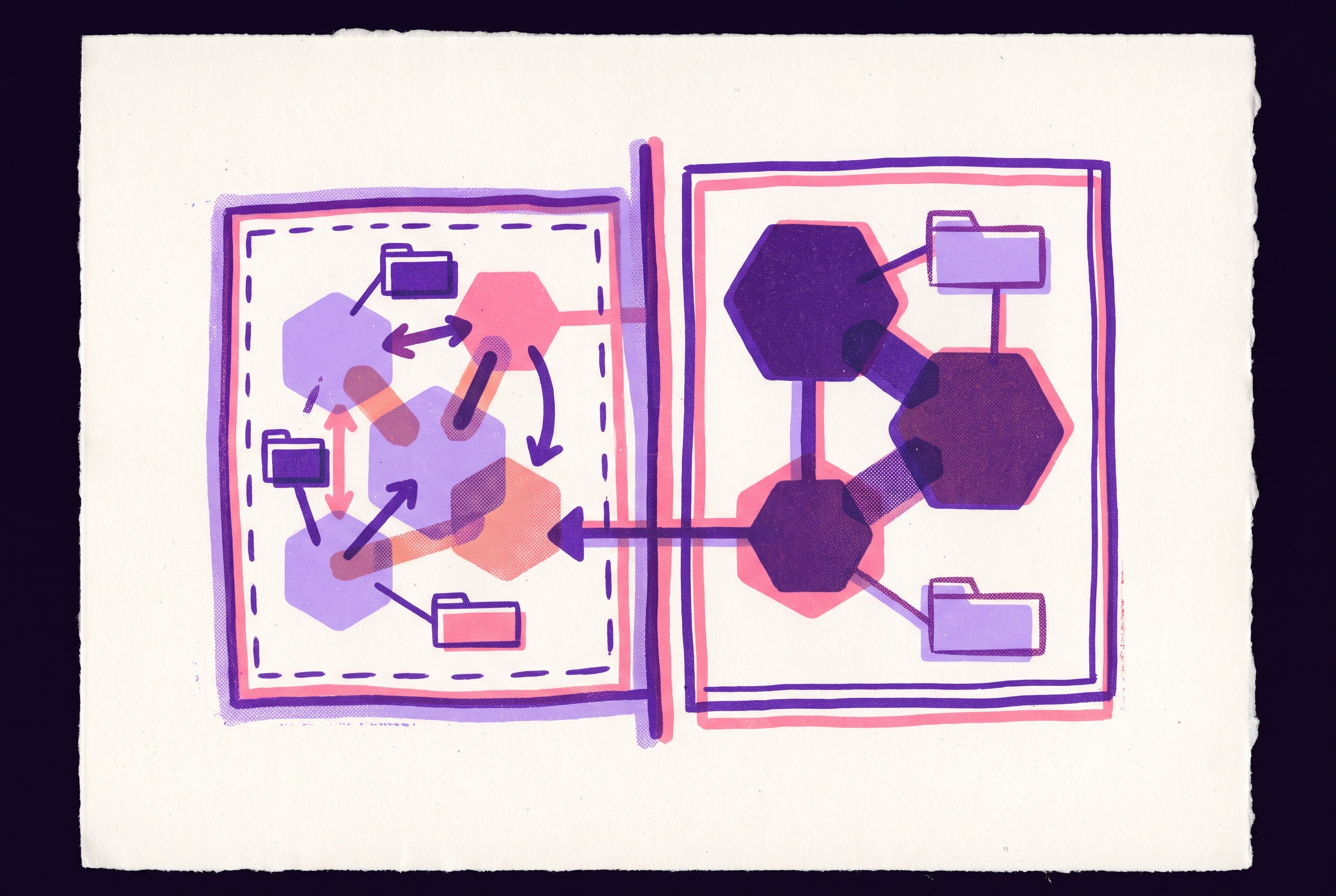
A staging namespace inside production leaves the shared infrastructure exposed to the changes staging is supposed to test. A bad deploy, runaway job, or misconfigured operator can still affect the production cluster. A separate staging cluster removes that shared-cluster route to production. This is where topology earns its cost. Even with namespace controls, a test environment that shares a control plane still depends on it.
Replica counts, node pool size, and off-hours compute can shrink, while the Kubernetes version, add-ons, service mesh, ingress controller, ConfigMap layout, network policies, and real datastores should match production. Bugs that stem from differences in those components are exactly what staging is meant to catch. Staging must also stay current with main. An environment several merges behind is testing a system that no longer exists, so a passing result gives misleading confidence.
Budget can still force a compromise between environments. A common compromise puts development and staging in the same cluster while keeping production separate. That preserves isolation at the production boundary without requiring every environment to have its own cluster.
The four companion objects every namespace needs before a workload is deployed to it
Whatever the topology, a namespace needs four companion objects before workloads arrive. Start with ResourceQuota, which caps aggregate CPU, memory, pod count, service count, PVC count, and storage. Kubernetes documentation identifies resource quota as the way namespaces divide cluster resources between users. Without it, one workload can consume shared capacity and degrade its neighbors. GPU namespaces also need quotas for accelerator device resources.
LimitRange handles the container-level gaps that an aggregate quota leaves open. It sets default and maximum resource requests and limits for containers that omit them. Leaving out resource settings should not give a container as much CPU or memory as it wants. The quota defines the namespace’s total budget, while LimitRange governs how individual containers consume it.
Namespace-scoped RoleBindings then give the team only the permissions it needs, whether read, write, or admin, without granting cluster-wide access. Per-workload service accounts prevent credential reuse across pods. NetworkPolicy completes the set with default-deny ingress and egress applied at namespace creation. Add explicit allow rules only for flows that are needed, including DNS, approved APIs, and inter-service traffic. Otherwise, Kubernetes allows pod-to-pod traffic across namespace boundaries by default.
All namespaces use the same API server and etcd, while their workloads share the underlying kernel.
How Pod Security Standards map onto the environment tier
Once teams and environments have their own namespaces, namespace labels can set Pod Security Standards for each environment tier. The practical mapping is restricted for production, baseline for staging, and privileged for development flexibility. Production’s profile blocks privileged containers and host namespace sharing, and restricts volume types. Staging’s baseline blocks the most dangerous configurations while allowing debug tooling. It is a minimum posture for staging.
Label changes do not immediately evict running workloads. Tightening the profile affects future pods, which permits gradual rollout but leaves existing pods outside the new enforcement.
GPU and AI workloads require a separate namespace layer that standard patterns don't provide
GPU workloads expose a resource limit that ordinary namespace organization does not solve. Unlike CPU and memory, GPUs cannot be natively shared between isolated processes without additional tooling. An unthrottled training job can consume enough accelerator capacity to degrade production inference latency. A separate namespace alone does not prevent that. GPU-specific controls must connect the namespace boundary to the hardware it consumes.
The first layer is ResourceQuota with hard limits on GPU device counts, covering physical GPUs and MIG slices. The second is node taints, which prevent CPU-bound workloads such as logging collectors and proxies from occupying accelerator nodes. The third separates training, batch, and real-time inference into namespaces mapped to different node pools, PodDisruptionBudgets, and autoscaling rules. These workloads have conflicting reliability and cost needs. Mixing them in one namespace makes their policies compete.
The fourth layer is virtual clusters when production multi-tenancy needs more separation than namespaces provide. vCluster creates tenant control planes with separate API servers, CRDs, and RBAC while sharing underlying GPU nodes. Choosing how to share hardware is separate from choosing how to isolate the control plane. NVIDIA MIG lets one physical GPU serve up to seven hardware-isolated workloads, while time-slicing through the NVIDIA Kubernetes device plugin lets pods oversubscribe available GPUs. Time-slicing can also serve cases where more than seven concurrent workloads exceed MIG’s hardware limit.
How GitOps pipeline design reinforces or undermines namespace boundaries
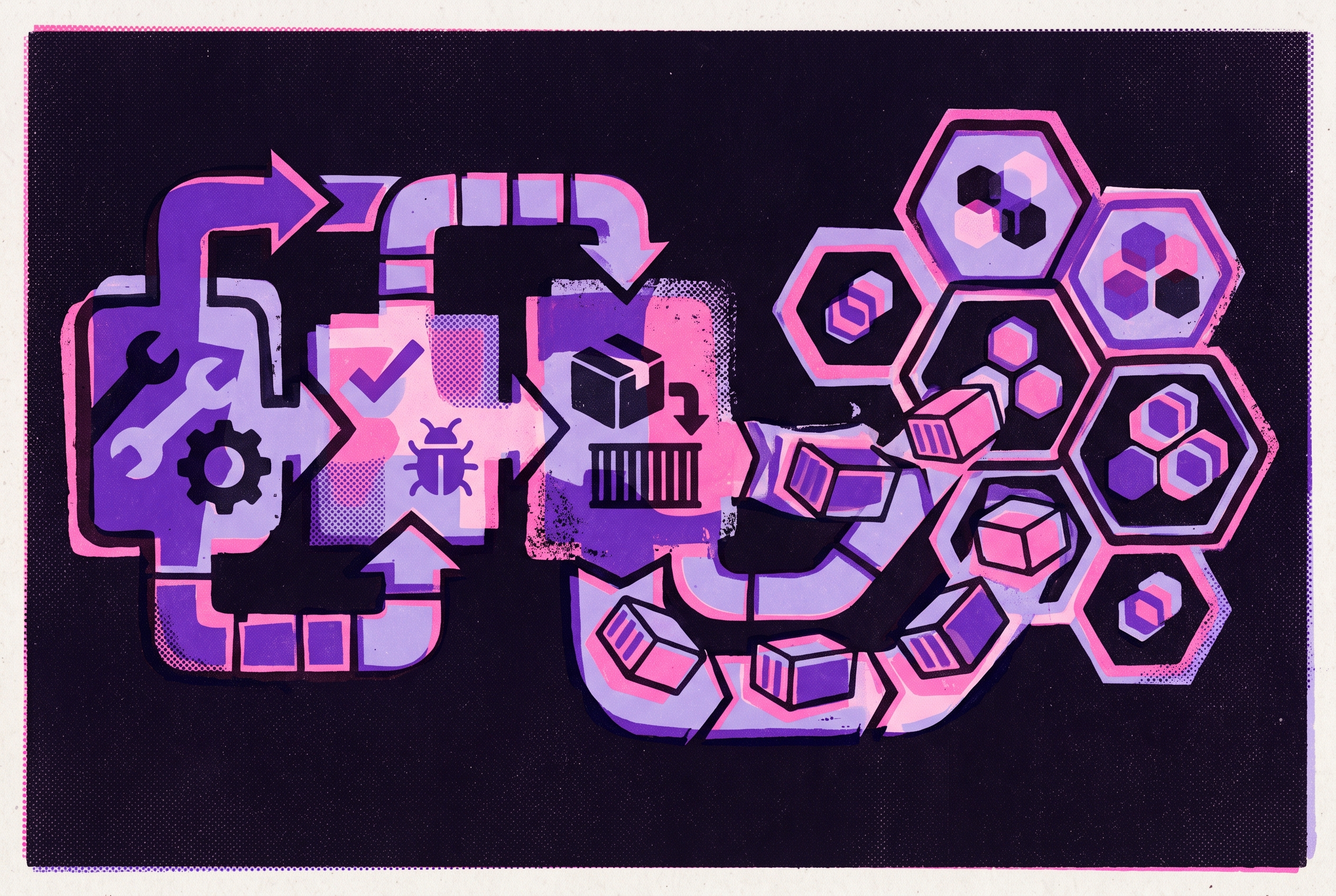
A deployment pipeline can bypass a carefully designed namespace layout if its permissions or destinations are too broad. Staging should use the same GitOps path as production, with the same artifacts and promotion logic, and automatic sync on every merge to main. Applying manifests by hand causes drift in the environment used to test a release. The pipeline is part of the boundary.
Argo CD’s AppProject resource restricts which repositories, clusters, and namespaces applications may touch. It complements namespace RBAC by preventing deployments from landing in the wrong namespace or cluster. Automatic sync works well for non-production environments, while production gets manual sync or gated sync windows. This keeps shared non-production environments up to date while keeping the production promotion gate in place. Consistency and approval serve different purposes here.
Namespace lifecycle also belongs in the deployment workflow. Preview namespaces with TTL policies can expire after a day or two, containing feature branches without leaving permanent namespace sprawl. Cost estimation adds another check before deployment by flagging or blocking changes that exceed the namespace budget. Resource quotas still enforce the hard limit, but the deployment loop can spot plans to go over it before they reach production.
Compliance surfaces are defined by namespace boundaries — and that makes namespace design a compliance decision
For HIPAA or SOC 2 work, namespace design helps define the systems, permissions, and records subject to review. Constraining PHI to dedicated namespaces or clusters limits the scope of the documented risk analysis and the number of vendor Business Associate Agreements required. Every service that touches a PHI namespace is in scope. Separate namespaces with default-deny policies help keep unrelated services outside that scope.
Plain Kubernetes Secret objects use unencrypted base64 encoding, and secrets can leak through etcd, kubectl output, and audit logs. The recommended architecture uses External Secrets Operator backed by a cloud secrets manager with KMS envelope encryption. The boundary needs protection for credentials as well as workloads.
Namespace-scoped least-privilege RBAC and per-workload service accounts limit the damage a compromised credential can cause. Cluster-admin grants defeat that separation anywhere in the cluster. Compliance design must therefore account for who can reach what. A neat namespace diagram cannot prove that scope is limited when credentials give access across those boundaries.
Choosing a namespace topology: the decision points and what each one costs
The choice turns on team count, compliance requirements, GPU workload type, and budget. For a single team with one application and no compliance requirements, namespace-per-environment is sufficient. Team-per-environment would add management work without a corresponding benefit. For multiple teams sharing a cluster at moderate scale, team-per-environment namespaces make ownership and policy more precise. GitOps templates should provision the four companion objects so that finer separation does not become manual upkeep.
A production isolation requirement calls for a separate production cluster regardless of the non-production namespace pattern. The extra cluster needs capacity and time to keep it running. Sharing development and staging can contain that expense without sharing production’s control plane. Multi-tenant GPU infrastructure adds the four-layer control stack, with vCluster when tenants need more isolation than namespaces can give them. The added controls pay for distinct resource and tenant boundaries.
Compliance requirements add dedicated PHI namespaces or a dedicated cluster, audit logging from day one, and External Secrets Operator with KMS. Those choices make namespace boundaries part of the risk analysis. They also add configuration that must be maintained. The relevant cost is the work needed to enforce the claimed scope.
Routing now adds a migration decision to the topology. ingress-nginx was retired in March 2026 with no further security fixes. Teams should move routing configuration to the Gateway API through an implementation such as Envoy Gateway, Istio, Kgateway, Cilium, NGINX Gateway Fabric, or Traefik. That changes how namespace-level traffic rules are expressed and enforced.
Notes
- Namespaces
Provided the official definition of namespace scope, naming rules, resource quota function, and DNS behavior that the article draws on throughout.